
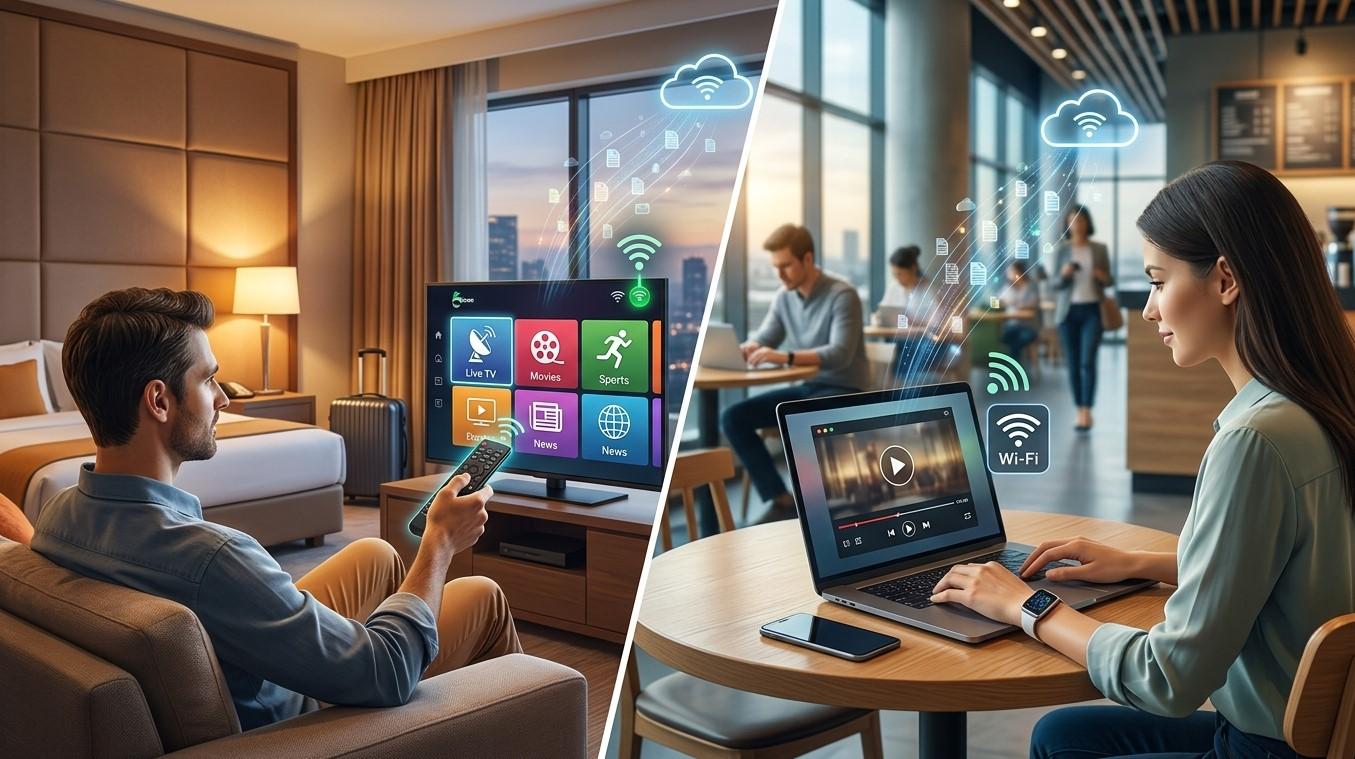
Travel doesn't have to mean giving up your favorite channels. If you're staying in a hotel or working from a café, you might wonder whether your streaming setup will still work on that connection. In most cases it can, but hotel and public networks work differently from your home internet, so a few extra steps and expectations apply. In this guide, we'll explain how to use IPTV India on shared networks and how to get the most from an Indian IPTV Box or mobile device while you're away from home.
Table of Contents
- Can You Use IPTV on Hotel or Public Wi-Fi?
- Challenges of Hotel and Public Wi-Fi
- The Captive Portal Problem
- Using an Indian IPTV Box While Traveling
- Using Mobile Devices or Laptops Instead
- Security Considerations
- Tips for Better Streaming on Shared Networks
- FAQs
Can You Use IPTV on Hotel or Public Wi-Fi?
Yes, IPTV can work on hotel or public Wi-Fi, since all it needs is an internet connection with enough speed. Your subscription isn't tied to your home network, so your login details or playlist link should work from any location.
The catch is that the quality of the experience depends heavily on the network itself. Hotel and public Wi-Fi is shared by many people at once, and it often comes with restrictions that home broadband doesn't have.
Challenges of Hotel and Public Wi-Fi
Shared networks can create a few common problems for streaming:
- Limited bandwidth – Many guests or customers share one connection, which can lead to slower speeds, especially in the evening
- Speed caps per device – Some hotels limit each connection to a set speed, which may not be enough for HD streaming
- Network restrictions – Some networks block or throttle streaming traffic to preserve bandwidth
- Session time limits – Certain networks disconnect devices after a set period, interrupting a longer viewing session
- Inconsistent signal strength – Coverage can vary a lot between rooms and floors
Because of these factors, streaming quality on public Wi-Fi is often less predictable than at home.
The Captive Portal Problem
The most common obstacle is the captive portal. This is the login or agreement page that appears when you first connect to a hotel or public network, often asking for a room number, password, or acceptance of terms.
Phones and laptops handle this easily because they have a full web browser. Many streaming boxes and Smart TVs don't, which means they may connect to the Wi-Fi but never get past the login page. The result is a device that looks connected but can't load any channels.
Some possible ways around this include:
- Checking whether the hotel offers a separate streaming or casting network, which some hotels provide specifically for guest devices
- Asking the front desk whether there's a recommended way to connect streaming devices
- Using a portable travel router, which you connect to the hotel network using your laptop or phone, then connect your streaming device to the router's own network
- Using your phone's mobile hotspot as the connection source instead
Always follow the network's terms of use and any policies the hotel or venue has for connecting personal devices.
Using an Indian IPTV Box While Traveling
If you decide to pack your Indian IPTV Box for a longer trip, a few things are worth planning ahead:
- Check power compatibility – Confirm the adapter works with the outlets at your destination, and bring a plug adapter if needed
- Pack the essentials – Bring the HDMI cable, remote, and power supply so you're not scrambling to find replacements
- Confirm the TV has an available HDMI port – Some hotel TVs have locked or covered ports, so it's worth checking in advance
- Plan your connection method – Decide ahead of time whether you'll use the hotel Wi-Fi directly, a travel router, or a mobile hotspot
For shorter stays, many travelers find it simpler to leave the box at home and use a mobile app instead.
Using Mobile Devices or Laptops Instead
For most trips, a phone, tablet, or laptop is the easiest way to keep watching your IPTV India channels:
- No extra hardware to pack – You're already carrying the device
- Captive portals are easy to handle – A full browser lets you complete the login page normally
- Flexible viewing – You can watch in your room, at the airport, or anywhere with a connection
- Easier data management – You can switch between Wi-Fi and mobile data depending on which is working better
If you want a larger screen, many hotel TVs support casting or an HDMI connection from a laptop, depending on the hotel's setup.
Security Considerations
Public networks are less secure than your home Wi-Fi, so it's worth taking a few precautions:
- Avoid entering payment details or sensitive account information on public Wi-Fi when you can
- Log out of your IPTV account on shared or borrowed devices when you're finished
- Keep your login details and playlist link private, since anyone who obtains them could use your subscription
- Consider using a reputable VPN for added privacy on public networks, keeping in mind it may reduce your streaming speed
- Make sure your devices and apps are updated before you travel
Tips for Better Streaming on Shared Networks
- Test the connection early – Try a channel as soon as you arrive rather than waiting until a live event you don't want to miss
- Choose a lower streaming quality if the network is slow, since SD or lower HD settings use less bandwidth
- Stream at off-peak times when fewer guests are online, such as mid-morning or late at night
- Move closer to the router or access point, if you're in a public space, for a stronger signal
- Have a backup plan – A mobile hotspot can save the day if the hotel Wi-Fi is too slow or unstable
- Download or catch up later – Use catch-up options, if your provider offers them, when live streaming isn't practical
FAQs
1. Will IPTV work on any hotel Wi-Fi?
Usually yes, as long as the connection is fast and stable enough. Speed caps, captive portals, and network restrictions can affect how well it works.
2. Why won't my Indian IPTV Box connect on hotel Wi-Fi even though it shows connected?
This is often caused by the captive portal login page, which many streaming boxes can't display. A travel router or mobile hotspot can help work around it.
3. Is it safe to stream IPTV on public Wi-Fi?
Streaming itself is fine, but public networks are less secure, so avoid entering sensitive information and consider a VPN for added privacy.
4. What internet speed do I need for IPTV on hotel Wi-Fi?
The same as at home, generally 10-15 Mbps for HD, though you can lower your streaming quality if the hotel connection is slower.
5. Is it better to use my phone or my Indian IPTV Box while traveling?
For short trips, a phone or laptop is usually easier. A box can make sense for longer stays where you want a big-screen experience.
Keep Watching Wherever You Go
With a little preparation, hotel and public Wi-Fi doesn't have to interrupt your viewing. Pair a reliable IPTV India subscription with a portable setup, whether that's your phone or an Indian IPTV Box, and stay connected to your favorite channels on the road. Explore our IPTV plans today and take your entertainment with you.

 English
 French
 Spanish
 Turkish
 Italiano
 Russian