
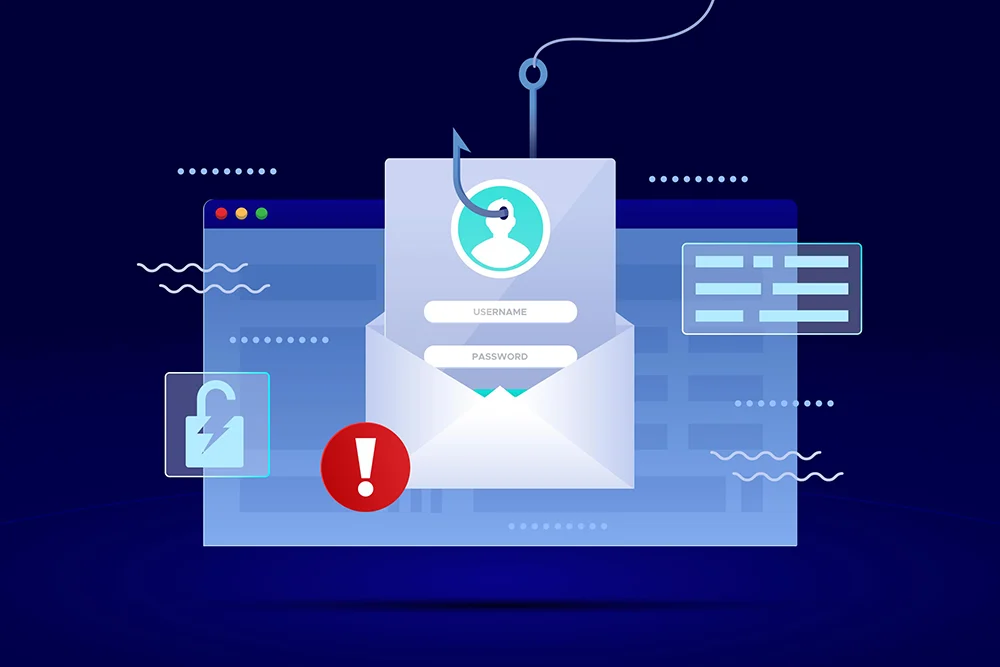
Traditional antivirus is designed to detect malicious software, but many online attacks try to steal information without installing obvious malware. A phishing site may look almost identical to a bank, email provider, online store, or social network and simply ask the victim to enter a password. By the time antivirus scans the computer, the attacker may already have the credentials. This is why phishing protection has become an important layer in consumer security.
Phishing Targets People First
A phishing message tries to create a believable reason to click. It may claim a payment failed, a delivery is waiting, an account will be suspended, or a password needs to be verified.
The technical content can be simple because the attack relies on the user trusting the message.
Virus Scanning May Have Nothing to Detect
If the fake website only collects login information, no malicious executable needs to reach the computer.
A traditional file scanner can therefore have little opportunity to intervene.
Web Reputation Can Block Known Sites
Security suites may check websites against reputation systems and threat intelligence. If a domain is known to host phishing content, access can be blocked before the user enters credentials.
People comparing the best cheap antivirus should consider web protection as part of the decision rather than focusing only on malware scan features.
Browser Warnings Add Another Layer
Modern browsers also provide phishing and malicious site warnings. Security software can complement these built in protections.
Several independent layers are useful because malicious sites can appear and disappear quickly.
Fake Download Pages Combine Threat Types
Some phishing pages steal information, while others encourage users to download fake software or malicious updates.
In these cases, web filtering and antivirus scanning work together. One may block the site while the other detects the downloaded file.
Credential Protection Can Help
Certain security tools warn when users attempt to enter saved or protected passwords into suspicious websites.
This can be especially useful when the fake page looks convincing.
Email Filtering Reduces Exposure
Some suites or email services identify suspicious messages before the user clicks. This reduces the number of dangerous links reaching the inbox.
No filter is perfect, so user judgment still matters.
Multifactor Authentication Limits Damage
Even when a password is stolen, multifactor authentication can prevent or complicate account takeover.
Security software should be paired with strong account practices.
Password Managers Can Reduce Phishing Risk
A password manager generally recognizes the legitimate website domain. If it refuses to autofill credentials on a fake site, that can provide an important warning.
This is one reason password management can add value alongside cheap anti virus software.
Mobile Devices Need Attention Too
Phishing is not limited to Windows computers. Text messages, mobile email, and social applications can all carry deceptive links.
Households should consider how web protection works across the devices they use most.
Training Still Matters
Users should pause when messages create unusual urgency or ask them to sign in through unexpected links. Opening the service independently through a known bookmark or app is often safer.
Security software can warn, but it cannot remove the need for judgment.
Value Comes From Stopping the Attack Earlier
Traditional antivirus remains important, but waiting for malware to reach the computer covers only one part of modern threats. Phishing protection tries to intervene earlier, when the user is being directed toward a dangerous site or asked to surrender credentials.
That extra layer can provide meaningful value in an affordable security product because many damaging attacks begin with deception rather than sophisticated malware. Protecting the browser and the user’s decision point is therefore just as important as scanning files after they arrive.

 English
 French
 Spanish
 Deutsch
 Turkish
 Russian